

 English
 Español
 Français
 Deutsch
 Italiano
 Português
 日本語
 Русский
 한국어
 简体中文
 繁體中文
 العربية
 Български
 Català
 Nederlands
 Ελληνικά
 हिन्दी
 Bahasa Indonesia
 Bahasa Melayu
 Polski
 Svenska
 ไทย
 Türkçe
 Українська
 Tiếng Việt
 Kiswahili
All PDF tools › Read, listen and summarize
Read a PDF in your browser
Open a PDF without installing a desktop reader. Browse its pages, search available text and use a reading theme that suits your screen.
Open the toolPDF processing on your device · keep your originalBasic use is free without an account, a daily file quota or a PDFandGO watermark. OCR, existing-text replacement and Word export are separate advanced operations; using them on the document can change its download-access requirements. Current allowances and Pro plans.
How to read a PDF online
- Choose a PDF from your device.
- Navigate by page number, thumbnails or an available contents outline; search for words when the file has readable text.
- Adjust zoom and the light, sepia or night theme, or continue with another PDF tool if you need changes.
Search needs a text layer
A scan can look like a page of writing while containing only an image. Word search and text selection need readable PDF text, which OCR may add. Unusual font encoding can also affect extraction. Not every file has a contents outline; thumbnails and page numbers remain alternative ways to navigate.
A reading theme does not rewrite the PDF
Night and sepia modes change the reader’s display. They do not permanently recolor the source document. Use grayscale conversion for a new gray PDF. Likewise, searching or zooming does not edit the page wording; use the editor for content changes.
Remembering where you stopped
The reader can remember a position in this browser on this device. Clearing browser storage, using a different device or restricting local storage can change that behavior. Large or complex files still depend on available device memory; a browser reader is not a promise that every PDF opens instantly.
Try the tool with sample files
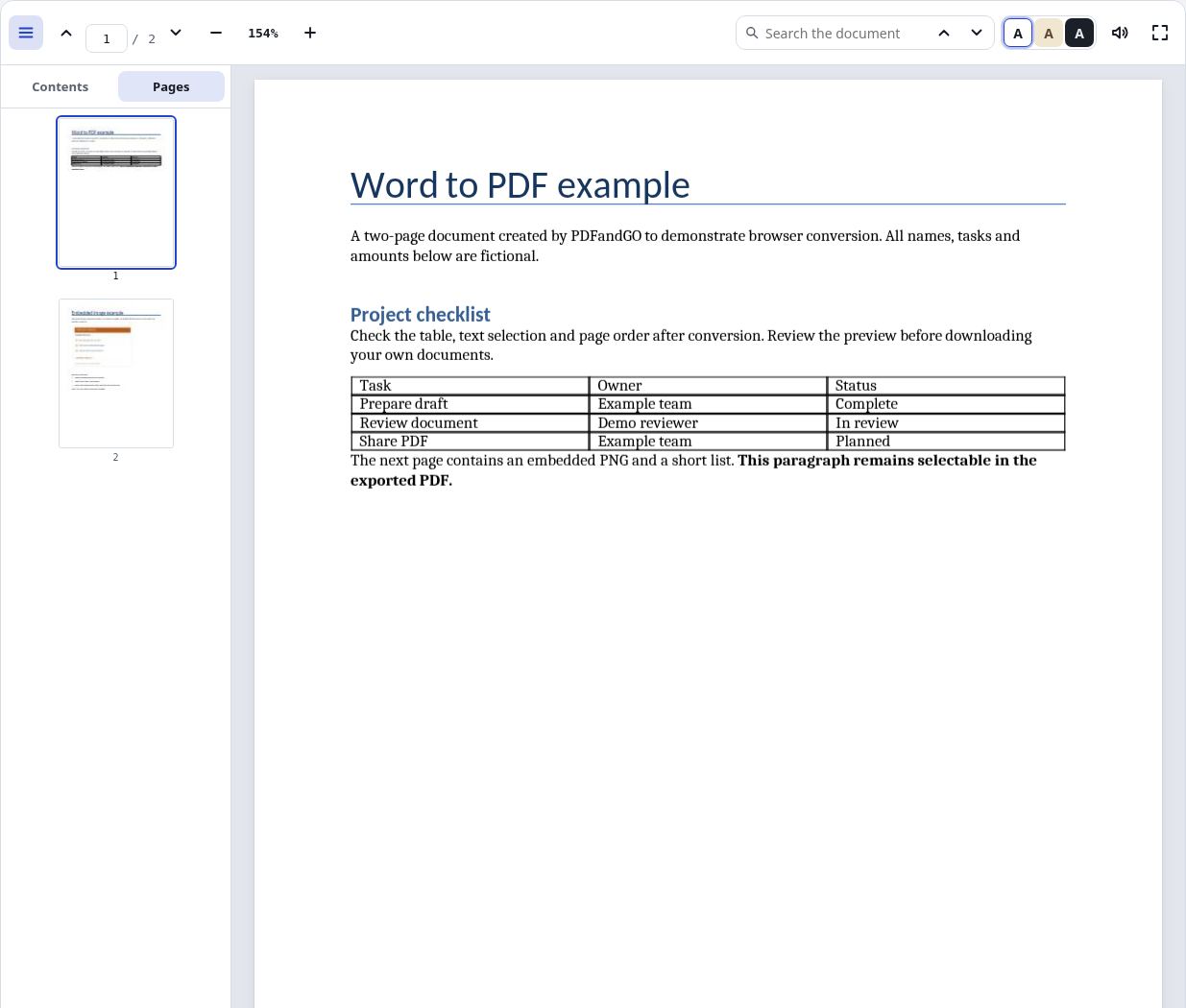
Samples contain generated demonstration content, not real customer data. Keep the source when comparing settings. An example result does not guarantee the same behavior for every PDF.
Questions and answers
Do I need an account to open a PDF?
No. Basic reading and viewing are free without an account.
Why does searching a scanned PDF find nothing?
It may contain page images without searchable text. Run OCR if needed and review the recognized text before relying on search.
Why is there no table of contents?
The source PDF may not contain an outline. You can still navigate with page numbers or thumbnails.
Does night mode change the downloaded PDF?
No. It changes the reading display, not the source file’s permanent colors.
Are my document files uploaded?
PDF processing runs in your browser on your own device. Document files are not uploaded to a PDF-processing server. Software, fonts or language models may download when needed. Account, payment and technical data are handled separately under the privacy policy.
What are the access and download rules?
Basic use is free without an account, a daily file quota or a PDFandGO watermark. OCR, existing-text replacement and Word export are separate advanced operations; using them on the document can change its download-access requirements.