

 English
 Español
 Français
 Deutsch
 Italiano
 Português
 日本語
 Русский
 한국어
 简体中文
 繁體中文
 العربية
 Български
 Català
 Nederlands
 Ελληνικά
 हिन्दी
 Bahasa Indonesia
 Bahasa Melayu
 Polski
 Svenska
 ไทย
 Türkçe
 Українська
 Tiếng Việt
 Kiswahili
All PDF tools › Read, listen and summarize
Listen to PDF text read aloud
Listen sentence by sentence while following the extracted text. Pick an available local voice and adjust the reading speed to suit your document.
Open the toolPDF processing on your device · keep your originalBasic use is free without an account, a daily file quota or a PDFandGO watermark. OCR, existing-text replacement and Word export are separate advanced operations; using them on the document can change its download-access requirements. Current allowances and Pro plans.
How to read a PDF aloud
- Open a PDF with readable text; recognize scans with OCR first if needed.
- Choose an available on-device voice and set the reading speed.
- Play, pause or select a sentence to continue from that point.
Voice availability depends on your device
For privacy, the tool uses voices identified as local to the device. Your preferred language may not have an available voice. Installing an offline voice pack in the operating system can help, but browser support and which voices are exposed vary. A document’s detected language does not guarantee that a matching local voice exists.
Reading order and scanned pages
The spoken sequence comes from the extracted PDF text. Multiple columns, unusual page layouts or OCR errors can produce an unexpected order. This tool does not understand a page image as speech without recognized words. Check the displayed text when the reading sounds wrong.
Playback is different from an audio download
This tool plays text through the browser’s speech feature. It does not export an MP3 or other audio file. Basic playback is free; OCR used to recognize a scan has separate access rules. Models or app resources may need downloading on first use, so do not assume a new device is ready for fully offline use.
Try the tool with sample files
Samples contain generated demonstration content, not real customer data. Keep the source when comparing settings. An example result does not guarantee the same behavior for every PDF.
Check text selection and local voices before listening
Open the fictional text PDF and try a short passage first. The words should be selectable, and the browser needs a usable voice in the relevant language. These are separate requirements: readable PDF text does not install a voice on the device.
Confirm a local voice is available
Inspect the voice list and choose an appropriate language if a voice is offered. If the tool reports no usable local voices, check the device’s speech-language settings or use a compatible browser. Repeatedly uploading the same PDF will not add a missing voice package.
Listen to the order as well as the pronunciation
Start with the project note, then try the supply list on page 2. Check whether headings, labels and quantities are read in a useful order. On more complex PDFs, columns or positioned text can lead to a confusing sequence even when every word can be selected.
Check your result
- Select a few words in the source PDF.
- Confirm that the device offers a suitable local voice.
- Check the reading order of headings and quantities.
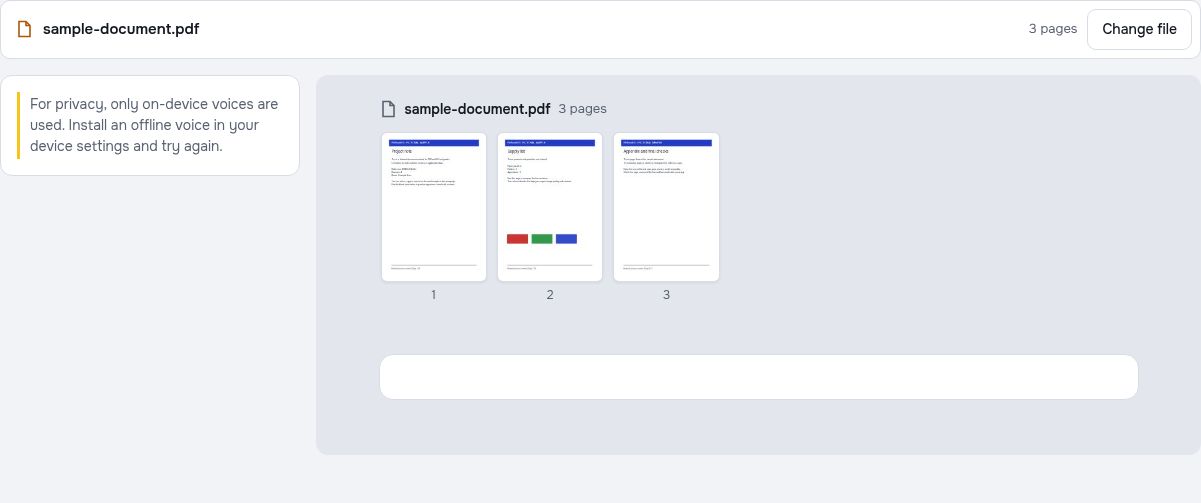
Try it with fictional sample files
These are synthetic practice inputs, not customer documents or promised outputs. Keep the originals and inspect your own exported copies. Current allowances and Pro plans apply to advanced downloads.
Continue with these tools:
Questions and answers
Can I choose an English voice?
Yes, if a compatible local English voice is available to the browser. Availability and voice names depend on your operating system and installed voices.
Why are no voices listed?
The browser may not expose a supported local voice. Check the device’s offline speech packs and browser support.
Can I download the reading as MP3?
No. The feature is playback using the device’s speech service, not an audio-export tool.
Does reading work with scanned PDFs?
Recognize the page text with OCR first if needed. Then review the text and return to reading aloud.
Are my document files uploaded?
PDF processing runs in your browser on your own device. Document files are not uploaded to a PDF-processing server. Software, fonts or language models may download when needed. Account, payment and technical data are handled separately under the privacy policy.
What are the access and download rules?
Basic use is free without an account, a daily file quota or a PDFandGO watermark. OCR, existing-text replacement and Word export are separate advanced operations; using them on the document can change its download-access requirements.
Why might the sample have readable text but no voice options?
The sample supplies text, not a speech engine. Voices depend on the browser, operating system and installed language packages. If no usable local voice is available, the tool may show a setup message instead of starting playback.