

 English
 Español
 Français
 Deutsch
 Italiano
 Português
 日本語
 Русский
 한국어
 简体中文
 繁體中文
 العربية
 Български
 Català
 Nederlands
 Ελληνικά
 हिन्दी
 Bahasa Indonesia
 Bahasa Melayu
 Polski
 Svenska
 ไทย
 Türkçe
 Українська
 Tiếng Việt
 Kiswahili
All PDF tools › Convert, scan and recognize text
Convert a color PDF to grayscale
Prepare a gray version of a color document for a printing or submission workflow. Check fine text and charts after conversion, especially when their meaning relies on color.
Open the toolPDF processing on your device · keep your originalBasic use is free without an account, a daily file quota or a PDFandGO watermark. OCR, existing-text replacement and Word export are separate advanced operations; using them on the document can change its download-access requirements. Current allowances and Pro plans.
How to convert PDF to grayscale
- Open the color PDF from your device.
- Run the conversion and wait for the page checks.
- Read the result, including any image-page warning, and inspect the saved grayscale copy.
Grayscale is different from two-color black and white
A grayscale document uses shades between black and white. It is not the same as a strict two-color or thresholded image. Colors with similar brightness can become hard to distinguish, so review chart keys, highlighting and fine lines before printing.
Selectable text and the fallback path
The tool tries to convert supported PDF color operations while retaining native content. A page that needs the fallback is rendered as a gray image; text selection, interactive fields or links on that image page may be lost. The tool reports fallback pages, so do not assume every output retains every original feature.
Check file size separately
Changing colors is not a guarantee of a smaller PDF. Existing image compression, page content and the conversion path affect the result. If an upload limit matters, check exact file size and try the compression tool separately. To process selected pages, split them out first and merge them back when appropriate.
Try the tool with sample files
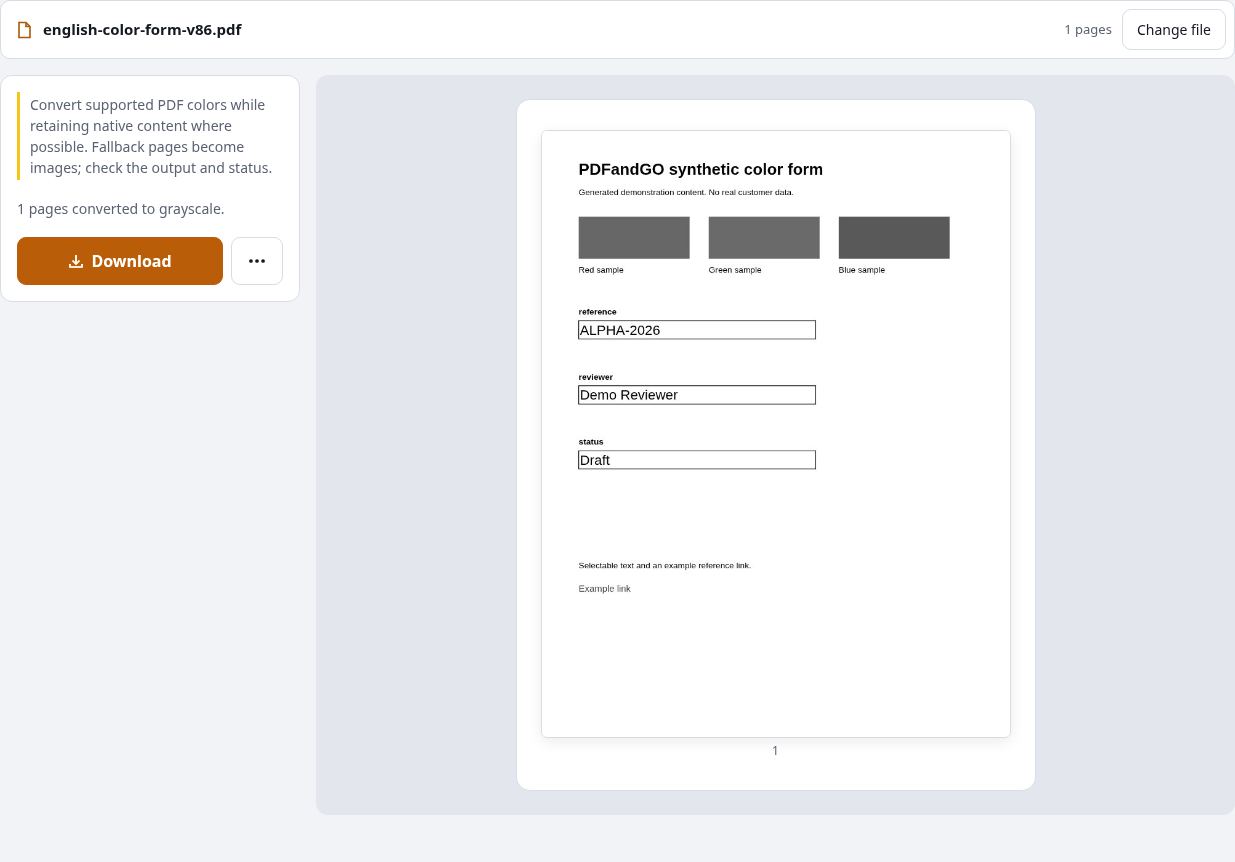
Samples contain generated demonstration content, not real customer data. Keep the source when comparing settings. An example result does not guarantee the same behavior for every PDF.
Questions and answers
Will the text still be searchable?
It can remain searchable when native text is retained. On fallback pages rendered as images, text selection and search are lost unless you later add an OCR text layer.
Does grayscale always make a PDF smaller?
No. Check the exported file size. Color conversion and file compression are separate operations.
Can I convert only one page?
This tool processes the whole working document. Split the required pages into a separate PDF first if you only want those pages converted.
Is night mode the same as a grayscale PDF?
No. A reader theme changes the on-screen view; grayscale conversion creates a new document with changed page colors.
Are my document files uploaded?
PDF processing runs in your browser on your own device. Document files are not uploaded to a PDF-processing server. Software, fonts or language models may download when needed. Account, payment and technical data are handled separately under the privacy policy.
What are the access and download rules?
Basic use is free without an account, a daily file quota or a PDFandGO watermark. OCR, existing-text replacement and Word export are separate advanced operations; using them on the document can change its download-access requirements.